
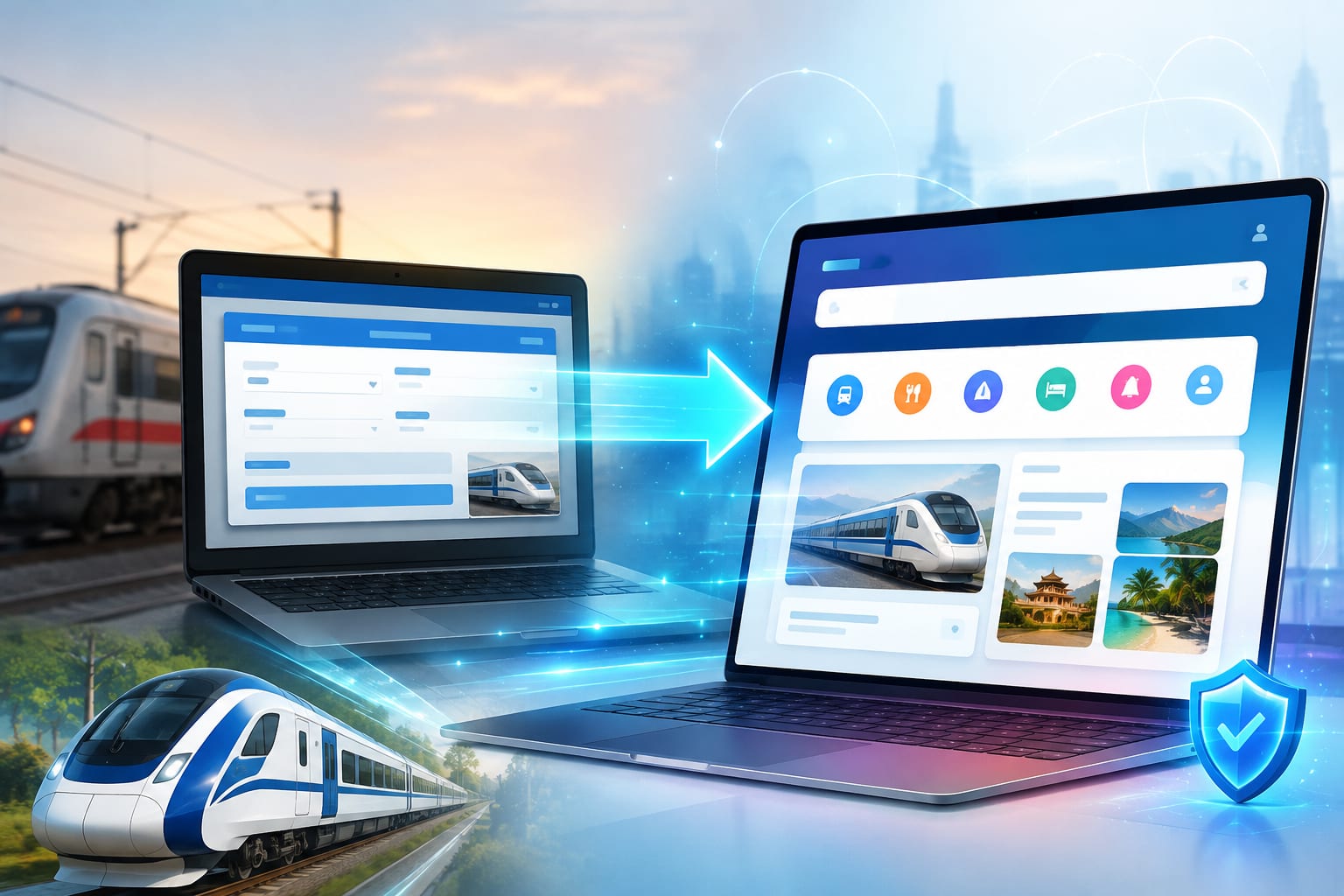
IRCTC Next Generation Portal: What's New & How to Migrate
Holiday Mitra
Travel Writer
IRCTC NextGen Portal: Complete Guide
The IRCTC Next Generation portal (nextgen.irctc.co.in) is the upgraded version of the official IRCTC website. It offers a modern interface, faster loading times, and improved user experience for booking train tickets and other services.
Key Features of IRCTC NextGen
- Modern UI: Clean, responsive design that works well on mobile and desktop
- Faster Booking: Reduced page load times and quicker payment processing
- Auto-Fill: Save passenger details for faster future bookings
- Enhanced Search: Better train search with filter options
- Improved Payment Gateway: Supports UPI, credit/debit cards, net banking, and wallets
How to Migrate to IRCTC NextGen
Your existing IRCTC account works on the NextGen portal — no separate registration needed. Simply visit nextgen.irctc.co.in and log in with your current IRCTC username and password.
IRCTC NextGen Login Steps
1. Go to nextgen.irctc.co.in. 2. Click "Login" at the top right. 3. Enter your Username and Password. 4. Complete the CAPTCHA verification. 5. Click "Sign In" to access your account.
Common Issues with NextGen Portal
- Some users report the site is slow during peak hours (10 AM - 12 PM)
- Mobile version may have different layout than desktop
- Payment failures can occur — always check bank statement before retrying
Holiday Mitra
Travel writer and content creator at Holiday Mitra, sharing stories and guides to help you explore India's most beautiful destinations.