
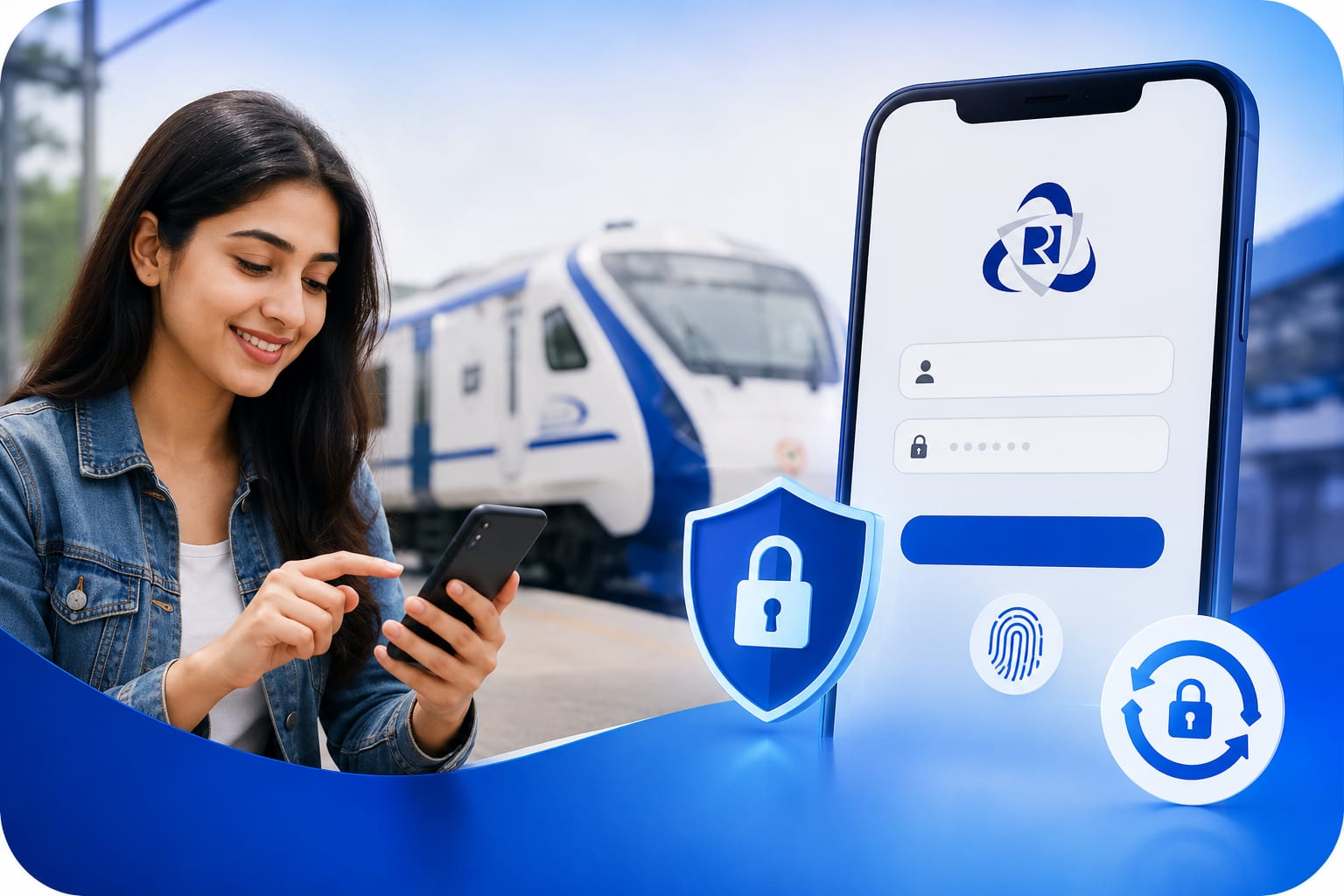
IRCTC Login Guide: NextGen Portal, App & Password Reset (2026)
Holiday Mitra
Travel Writer
How to Login to IRCTC: Complete 2026 Guide
IRCTC (Indian Railway Catering and Tourism Corporation) is the official online platform for booking train tickets in India. Whether you need to book a reserved ticket, check PNR status, or use IRCTC's flight booking service, you first need to log in to your account. This guide covers every aspect of the IRCTC login process.
IRCTC Login via NextGen Portal
The IRCTC NextGen portal (irctc.co.in) is the latest version of the website with improved UI and faster performance. To log in: Visit irctc.co.in, click on "Login" at the top right, enter your username and password, complete the captcha, and click "Sign In".
IRCTC App Login
Download the official IRCTC Rail Connect app from Google Play Store or Apple App Store. Open the app, enter your IRCTC username and password, and tap Login. You can also enable fingerprint or face unlock for faster access.
Forgot IRCTC Password?
If you've forgotten your password, click "Forgot Password" on the login page. Enter your registered email ID or mobile number, enter the OTP received, and set a new password.
Common IRCTC Login Issues
- Account locked after multiple failed attempts — wait 30 minutes
- "Invalid Credentials" — check caps lock
- OTP not received — check spam folder or request resend
- Session timeout — clear browser cache and try again
IRCTC Login for Tatkal Booking
For Tatkal bookings, ensure you are logged in at least 15 minutes before the booking window opens (10:00 AM for AC classes, 11:00 AM for Sleeper class on the previous day of journey). Pre-fill passenger details under "Master List" to save time.
Pro Tip: Use the "Auto-fill" feature in the NextGen portal to speed up your booking process.
Holiday Mitra
Travel writer and content creator at Holiday Mitra, sharing stories and guides to help you explore India's most beautiful destinations.